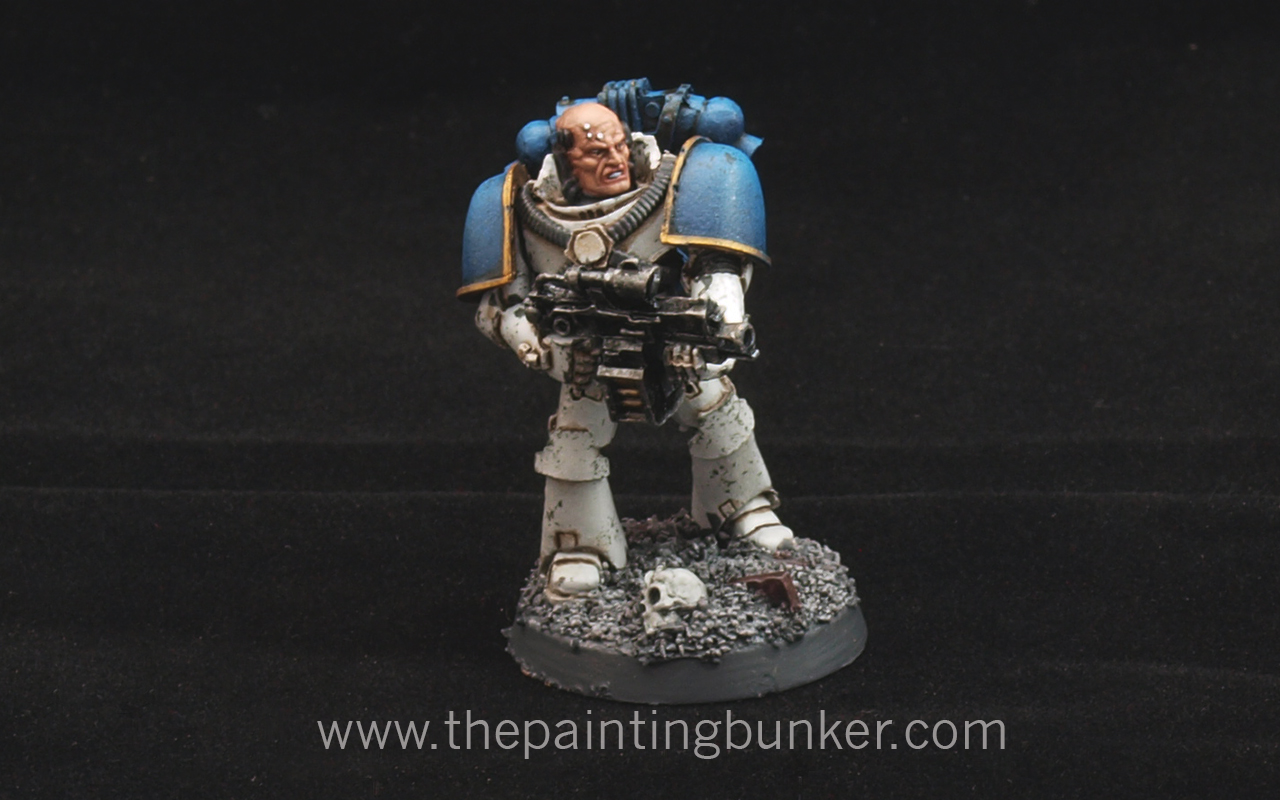
So ever since I did the post on How to paint World Eater Space Marines I have a lot of positive feed back, in fact its been a very popular post.  One question that I’ve continually had was “how did you paint the face?” So I thought I’d do a quick tutorial on how to paint faces to a good table top standard.  Believe it or not, its not that hard and with a little patience and practice you’ll dramatically improve the presentiment of any miniature where flesh tones are present.

So lets take a look at the process.

OLYMPUS DIGITAL CAMERA

Step 1.

For the tutorial I’ll be using the old Citadel range of paints.  I do like the new range, however I’m buying to replace them with the new ones as I go so I’ve still got a fair few of the old range on hand.  But if you use the Citadel conversion chart if you don’t have any of the old paints you should be golden.

The paints & materials I’ve used are

  • Abaddon Black – Undercoat and detail
  • Tallarn Flesh – Base coat and component for highlights
  • Dwarf Flesh – For highlighting
  • Red Gore – A component colour for the lips
  • Ogryn Flesh – Base coat wash
  • Devlen Mud – Shading
  • White Scar – Eyes etc
  • W & N No 1 Brush
  • Marines Head – I like mounting pieces on tooth pics for ease of handling

OLYMPUS DIGITAL CAMERA

Step 2.  Undercoat

I’ve used Abaddon Black applied with an Air Brush, or use a spray can.  This is important and many of the small details on the face can be erased or compromised if you don’t apply the paint thinly enough.  I’m not saying it can’t be done with a brush, but it just makes your job harder if you do.

OLYMPUS DIGITAL CAMERA

Step 3.  Base coat

Again I’ve applied Tallarn Flesh with an air brush for the same reason that I applied Abaddon Black with an air brush, so as not to compromise any of the fine detail on the face.

OLYMPUS DIGITAL CAMERA

Step 4.  Wash

Using my W & N no 1 brush I applied a liberal amount of wash.  Don’t be scared to do this as you’ll find that when the medium dries (evaporates) all that will be left is the pigment in the recesses.  You want that to create definition.
How to paint Space Marine Faces 5

Step 5.  Re-apply the base coat

This is where you need to be mindful of a few things.  The first one is paint viscosity, and the second one is your brush condition.  Let me explain.  Where a lot of people fall down when painting flesh is that the paint has already started to dry when its being applied.  This makes the paint lumpy and has an inconsistent appearance in its application.  In some climates where the air is dry (< 30% humidity) you may need to use a wet pallet.  Or just do what I do and take a blob of paint out of the bottle (I live in a humid climate), put it on my pallet and mix in a bit of paint thinner.  This is really important, especially for skin tones, the reason is that our skin is sort of translucent and when we paint it to re-create that effect, we need to simulate this and the best way to do that is to make the paint thin.  I’ll get into more detail on this later, but for now, just make sure that your paint it thinned down a little so it flows better.

The second point you need to be aware of is your brush condition.  There are two aspects of this, the first is that your brush is set up to facilitate capillary action, and the second one is that the tip of the brush is the right shape.  Many painters don’t use their brush the way its meant to be used, and that is having a nice amount of paint on the whole brush (bristles) and then shape the brush tip so that it makes a nice fine point for painting.  A lot of guys I see dip the tip of their brush in the paint and use only that part.  This seriously limits the full capability of the brush and you are doing yourself a big disservice.  To help your brush facilitate capillary action, just make sure that before you dip it in paint (thinned down I hope) that you first dip your paint brush in some clean paint thinners first.  Remove the excess with a tissue or something then dip the paint brush in your thinned paint, using the same tissue shape the bristles so that you have a nice point.

You can now pick out the raised areas of the face with the Tallarn Flesh.  Before you do this take a few moments to consider where you’d like the paint to go by studying the face and its contours.  By having a plan of where you’d like the paint to do will dramatically improve your results.

OLYMPUS DIGITAL CAMERA

Step 6.  First Highlight

Mixing about 70% Tallarn Flesh with 30% Dwarf Flesh, begin highlighting the areas of the face that would naturally catch the light.  So areas like the ears, nose, chin, cheeks, brow.  Again, make sure you follow the points I make in Step 5 about paint viscosity and having your brush set up properly.  Paint viscosity is important for the next three stages.  As I mentioned before, skin is sort of translucent, so when you paint flesh tones, try and make your paint go on in very thin layers so that the edge of each layer of paint isn’t too contrasted against the previous one, and allows its colour to be blended with the previous colour that was applied.

How to paint Space Marine Faces 7

Step 7.  Second Highlight

Mixing about 30% Tallarn Flesh with 70% Dwarf Flesh, begin refining the highlighting of the previous areas of the face that you worked on in Step 6. Again, make sure you follow the points I make in Step 5 about paint viscosity and having your brush set up properly.

OLYMPUS DIGITAL CAMERA

Step 8.  Final Highlight

With straight Dwarf Flesh go and pick out the final areas where you want attention to be drawn to.  Tip of the nose, ears, brow and top of the cheeks.

How to paint Space Marine Faces 9

Step 9.  Lips

With a a mixture of about 60% Tallarn Flesh, and 40% Red Gore, apply a small amount to the lower lip.  This is very subtle but crucial to achieving a more realistic effect.

OLYMPUS DIGITAL CAMERA

Step 10.  Eye Shading

Place a small amount of Devlan Mud in each of the eye areas and a small amount under the bottom lip.  Again a subtle but crucial step.

OLYMPUS DIGITAL CAMERA

Step 11.  Pick out Details

Paint the actual eyes black in readiness for the white to be applied, paint around the collar, neck brace etc and the small stud on his forehead.  Highlight the collar etc as you would normally.
OLYMPUS DIGITAL CAMERA

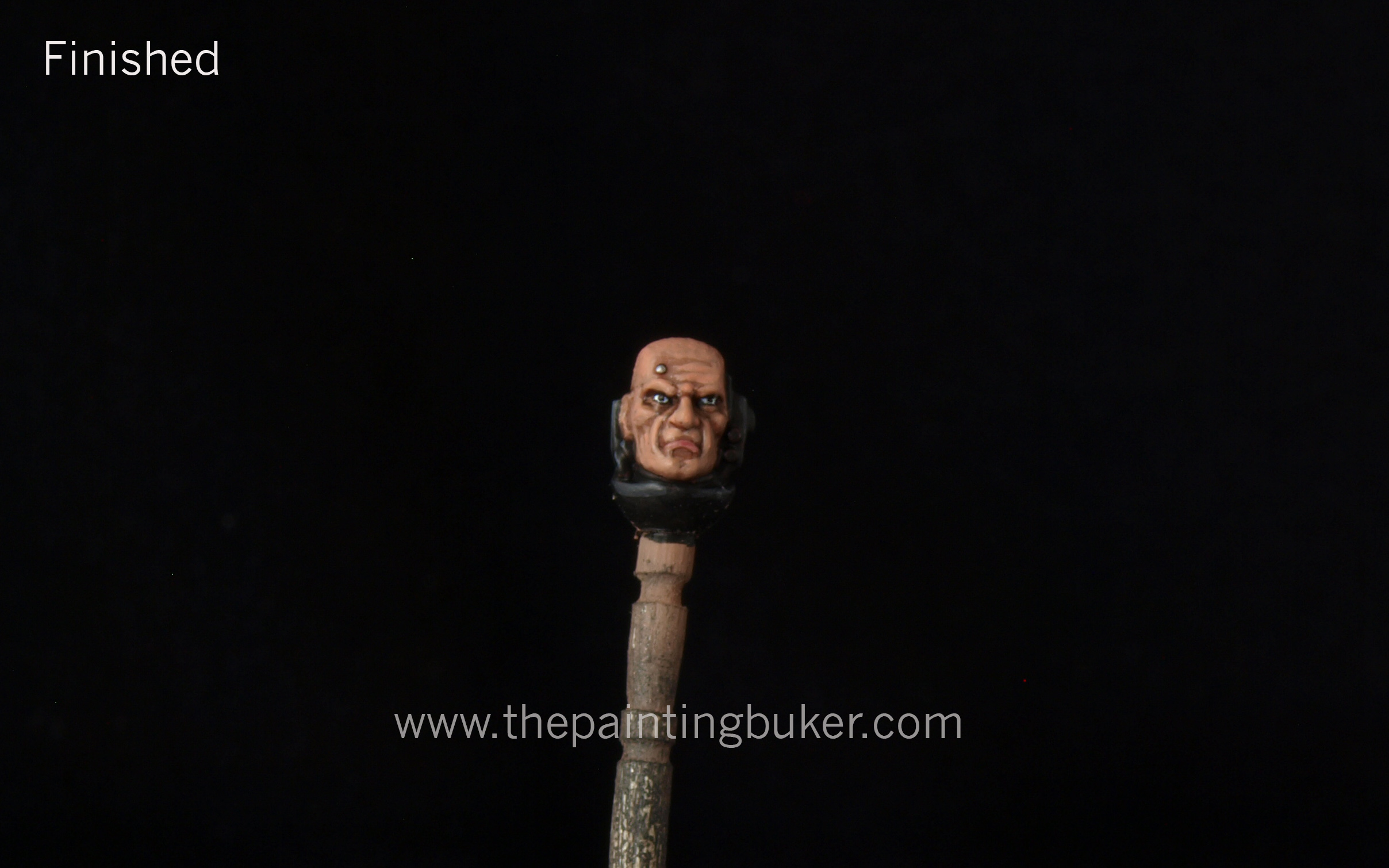
Step 12.  Finished

Paint in the eyes with white, followed by a small dot of back.  This may take several attempts to get right.  Pick out the service stud with your choice of silver and finish up any other details you’d like attention paid to.
OLYMPUS DIGITAL CAMERAOLYMPUS DIGITAL CAMERA

So there you have it.  It’s doubtful that you’ll win a Golden Daemon trophy with this scheme, but it will with any luck improve the quality of your table top miniatures.

A few points to remember about painting flesh.  The first is no matter what tone of flesh you are wanting to achieve, always start with a warm flesh tone.  For example, if you look at the picture below of my Iron Hands Librarian, you’ll see he’s quite pale.  I still used Tallarn Flesh as the base colour, I just used a mixture of grey and bone to dull down the warmth of Tallarn Flesh.  This is a convention to be mindful of when painting flesh tones.  It seems that our eye is programmed to see flesh tones in a certain way and we accept simulations of flesh tones better when they have a warm base to start with.

Iron Hands Librarian

Thats me for now.  Hope you’ve found this helpful, and until next time chat later.

John Sutton, Brisbane, Qld

So I knocked this out this morning in a spurt of painting enthusiasm.  The truth be told, he’s been sitting on my painting table (we’ll in a dust proof box on a shelf next to my painting table) for close to 18 months now.  I’ve had this idea for how I wanted him to look for some time as his original purpose was to be apart of the “Death Knell” Apoc 40k formation for Space Marines.  Basically it consists of 5 x 5 man squads of TH/SS Terminators with a Lysander proxy, a Contemptor Dreadnought in a Lucious droppod and a Librarian in Terminator Armour with a Storm Shield.  It’s a pretty bad ass formation and really puts a dampener on your opponents day when it rocks up.  (To announce its arrival you use a orbital bombardment to “clear” the area where all the Terminators arrive)

For some reason I just never got around to painting him, and then when I finished my new storm shield after re-tooling the pattern from the original I did close to two years ago I got inspired to finish it off.  To be honest, I’m glad I did because its come out much better than I’d expected.  I even tried my hand at doing NMN with an airbrush on the Librarians Force Sword.

As you can see, I removed the models force stave? and replaced it with a massive force sword from the Grey Knight plastic kit I think, and I exchanged his “talk to the hand” hand with a storm shield.  In game terms this seems to be the most popular load out for this type of character when he’s rolling in his Terminator armour.  The pose actually looks quite good, better than I was expecting.

The pictures are not to a standard that I’m completely happy with because I’m having trouble with my camera at the moment and need to sit down and figure out whats going on but I haven’t been bothered to.  So I’ll have to look into it in the next week or so because its really getting on my nerves.  Pro tip, don’t let people fool around with your camera.

OLYMPUS DIGITAL CAMERA OLYMPUS DIGITAL CAMERA Librarian in Terminator Armour 3 OLYMPUS DIGITAL CAMERAOk, thats it for me now.  It’s coming up to Easter and over the holidays myself and Aaron from Forlorn Hope will be getting together for some hardcore, ungreased, man dollie action and taking the Cityscape board out for its madien voyage.  The plan is to have a 1950 point game on it with my Carcharodons V his Tyranids or Death Korps of Krieg (or both on separate occasions)  So my intention is to bring you a full battle report detailing blow by blow action with pictures accompanying that will melt your brain.  I’m really looking forward to this and it should be a lot of fun.

Until then, thanks for dropping in

John


Thats right, you read it correctly, I’m selling something.  We’ll trying to anyways…

Its an idea I’ve been toying with for some time now so I thought I’d put it out there and see what happens.

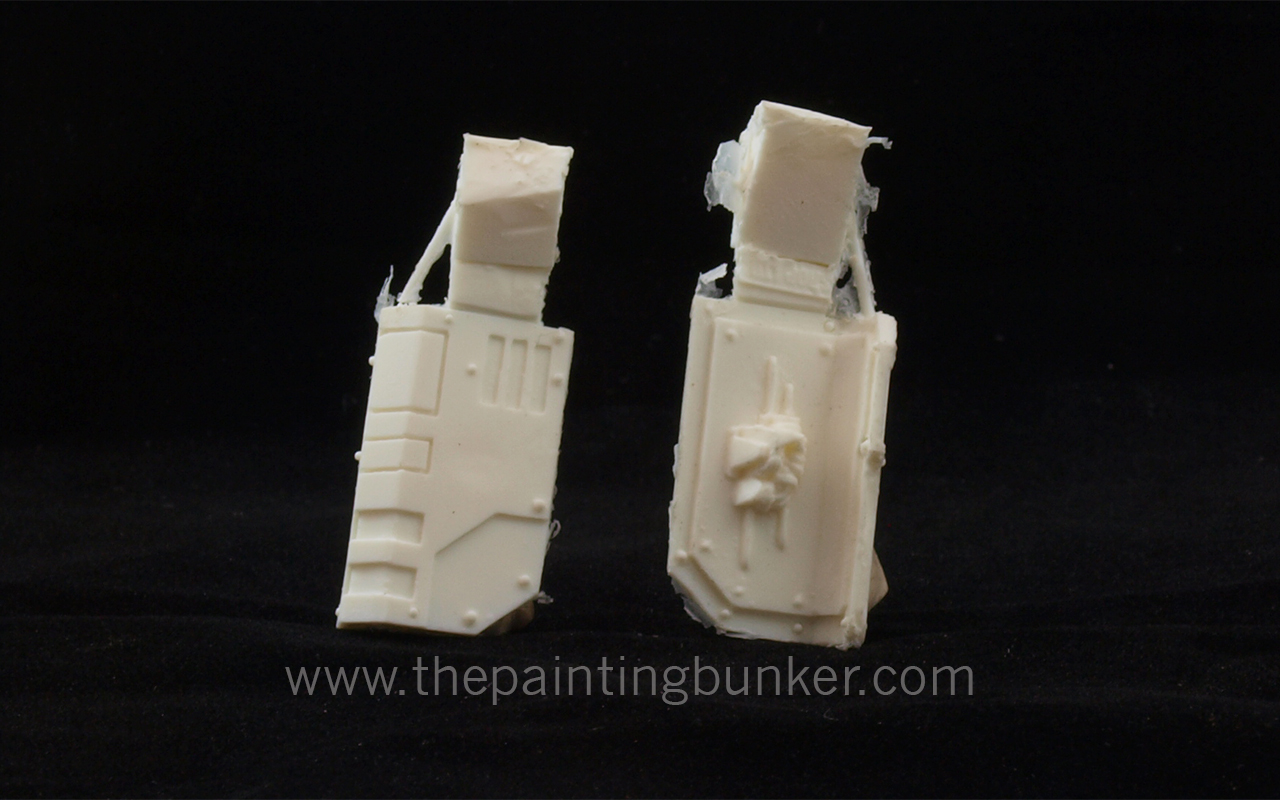
This is an alternate version of the Space Marine Terminator Storm Shield that I made some time ago for my Iron Hands army as I was really unhappy with the ones that come with the plastic kit, so I went about making my own.  I wanted them to still use the same “design language” that the Space Marine range uses so they would fit in but wanted it to look a bit more creditable and solid looking rather than the current one.

So to test the waters I’ve listed 10 packs of 5 on eBay for $12.95AUD each that includes FREE postage within Australia for the first 10 packs sold.

The Games Workshop Terminator model is shown for scale purposes only and isn’t included.

OLYMPUS DIGITAL CAMERA OLYMPUS DIGITAL CAMERA OLYMPUS DIGITAL CAMERA OLYMPUS DIGITAL CAMERAThis is what they look like when they come out of the mold.

So what you get in a pack is 5 unpainted, unassembled polyurethane resin storm shields.  As you can see, some cleaning will be required.

Did I mention FREE POSTAGE for the first 10 sold?

I’ve got a few other ideas for after market accessories in my head, and depending on the success of these will depend on whether or not they see the light of day.  So fingers crossed.

So go to my eBay account and buy a couple so I can pay for my tertiary education and not eat 2 minute noodles all week…

Thanks for dropping in

John

Hello everyone!

Its been a while since my last post as I’ve been busy with study, life and just well, I needed to take a bit of a break to recharge my painting mojo…  it came back pretty strong on Wednesday morning and I cracked open the bunker and went on a mini painting bender and smashed out two test models for my up and coming 30k World Eaters.  This is something that I’ve been thinking of for quite some time however for some reason I couldn’t decide in my mind exactly what I wanted to do in terms of how I was going to paint them.  I had a few different ideas for the white actually, and I was torn as to which method I’d ultimately use.

So I just decided to paint one model with each method and compare and contrast the results.  So sit back and I’ll take you though what I did and how I did it blow-by-blow.  Hope you enjoy it.  By the way, if you follow my Facebook page you’ll already have seen the end results, and if you don’t follow my Facebook page, go do it now….  I was actually so pleased with how both models turned out that I posted the pictures up on my Facebook page to show them off.

So here we go….

Let me begin by giving you some idea on where my head was at before I commenced painting these two models.  White is a tricky (tint, its not a colour) to paint and the colour that is under it has a very strong influence on how we perceive it.  The look that I want to achieve with my World Eaters is one that gives the viewer the impression that they have been in, or are in combat.  So lots of grime, dints, dust and grittiness.  However I don’t want them to look like they’ve just been thrown in a washing machine with a couple of bricks either.  Lets face it, Marines would get shot at a lot, firstly because they are generally numerically inferior to their opponent and secondly, it would take a lot of fire power to drop an Astartes.  Achieving this balance is a major technical and aesthetic challenge with white.

This is why I’ve gone for experimenting with two different base colours for the models.  One has a very light grey base colour, and the other has a very light brown base colour.  The light grey model ultimately had its panel lines cut it with a black oil wash, while the light brown model had its panel lines cut in with a dark brown oil wash.  So lets take a look at the stages and I’ll walk you through it.

As some of you who’ve followed my painting updates perviously will know, I’m really big on preparation and batch painting.  I like to create a system and document it when I paint an army so that if and when I revisit it I can reproduce it, and also its a devision of labor idea, where I attempt the use my time when painting an army as economically as possible.  However I like to keep in mind the end result and in painting models fast, I don’t like to compromise the finish either…  So I spend a bit of time preparing models before painting them, so that when I paint I can achieve a standard which I consider slightly above table top standard for my rank and file models.

How to paint World Eater Space Marines 1

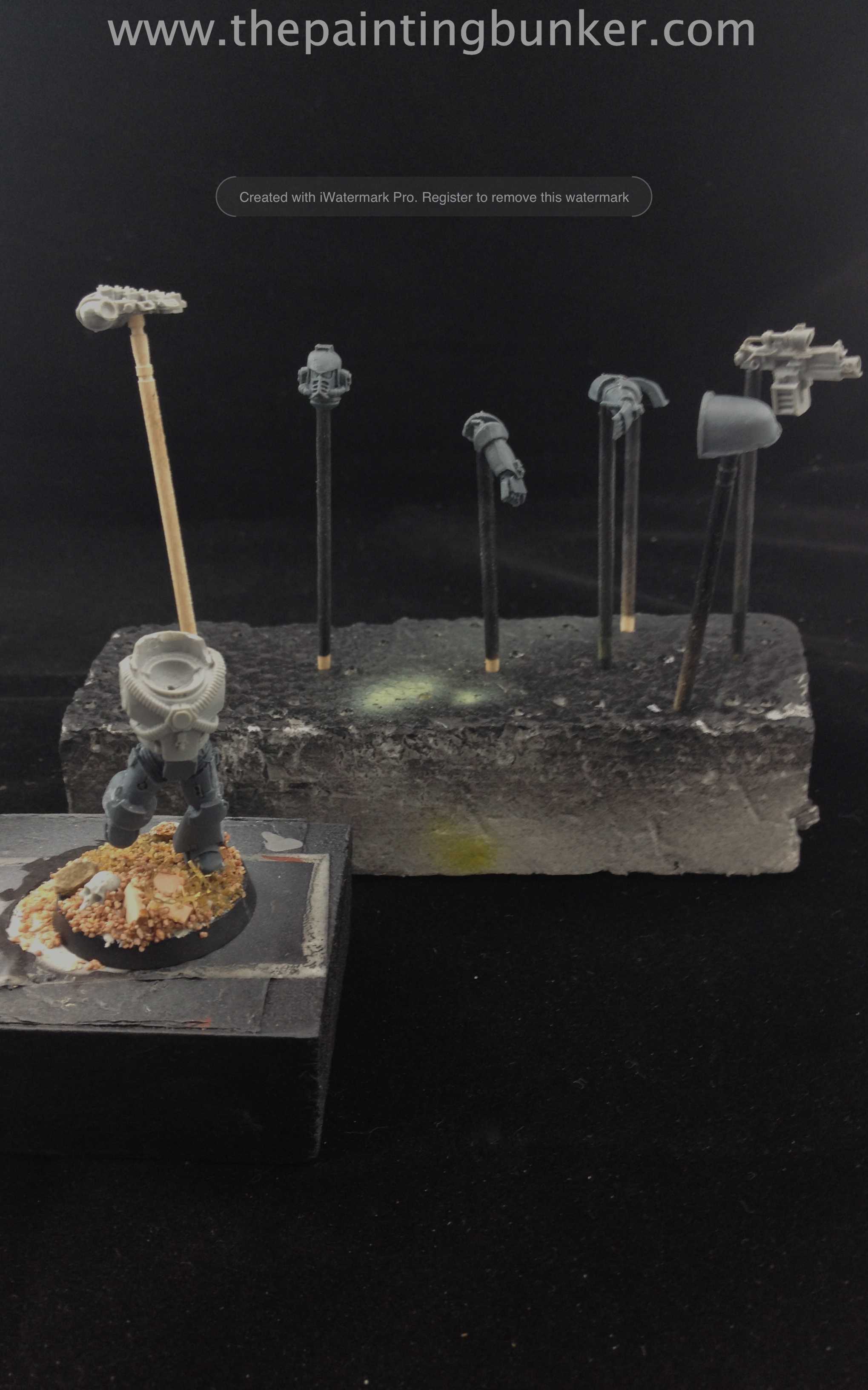
So here we have stage one.  The body of the marine built, with its head, arms, backpack, shoulder armour and weapons attached or mounted on tooth picks which are held in place with polystyrene foam.  When I say mounted on what I mean is for items like the arms, backpack, head and weapon I actually drill a 2mm hole in them and just force the tooth pick into the hole.  This saves time glueing them onto the tooth pick and if I bump them and they fall off, I can just re-attach them.  Everything is cleaned up, barrels are drilled and the paint is ready.  I’ve got a clear picture in my mind of what I want the finished model to look like.

How to paint World Eater Space Marines 2

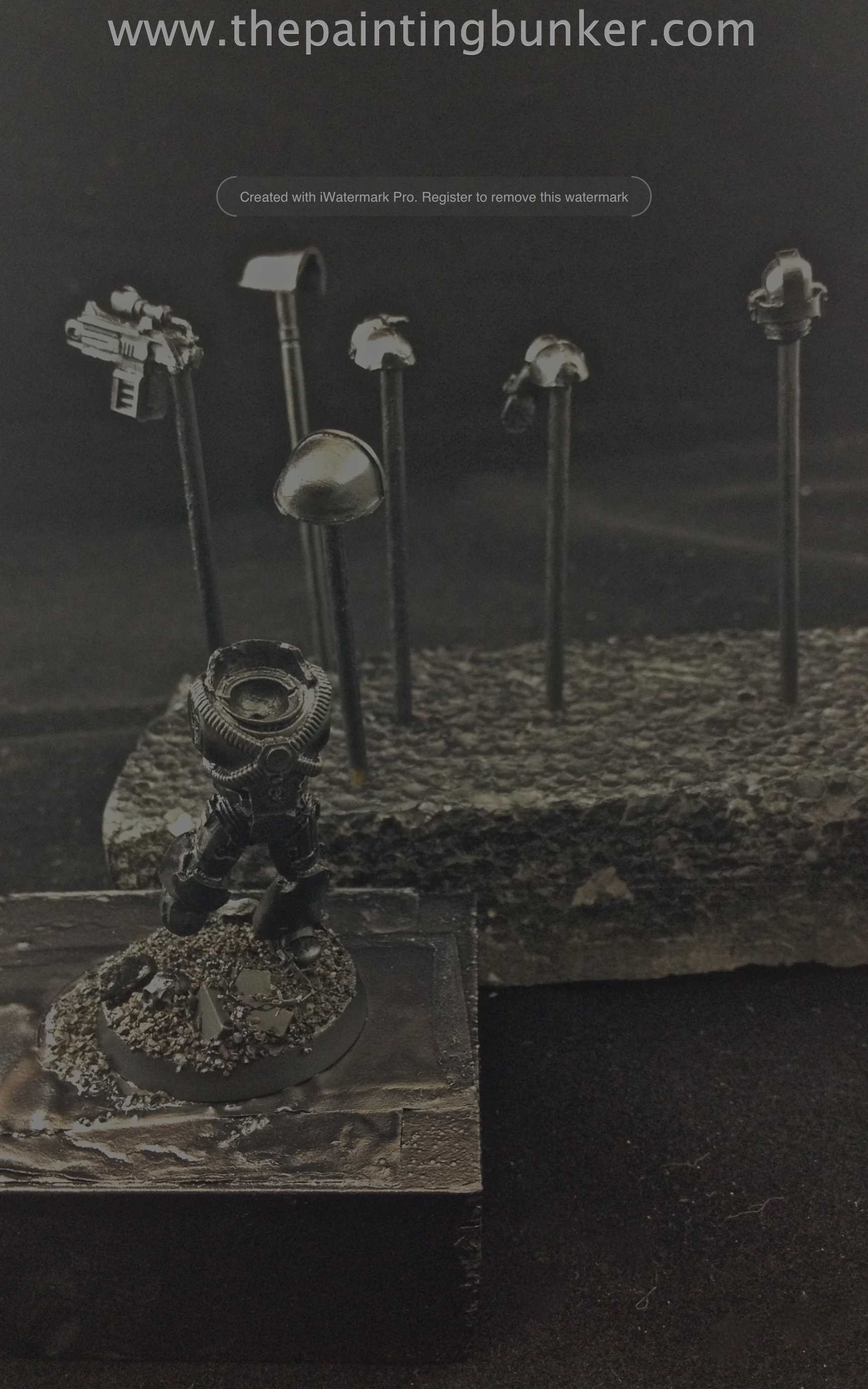
Black undercoat.  Nothing really revolutionary here. How to paint World Eater Space Marines 3

Once the black undercoat is applied I take the pieces that will be getting different treatments and fix them to separate foam plinths.  Here the bolters have been painted with Citadel Leadbelcher.    How to paint World Eater Space Marines 4

Just like the bolters I’ve segregated the shoulder armour and back packs.  One thing that isn’t shown in this picture is that they were actually all aligned to face the same direction they would when on the marine.  This will assist later when it comes time to shading them.  The base for the blue is Citadel Kantor Blue.  Once that had dried, I gave each piece a small highlight with Citadel  Caledor Sky, and then finally a even smaller highlight with 70% Caledor Sky and 30% White Scar.
How to paint World Eater Space Marines 5

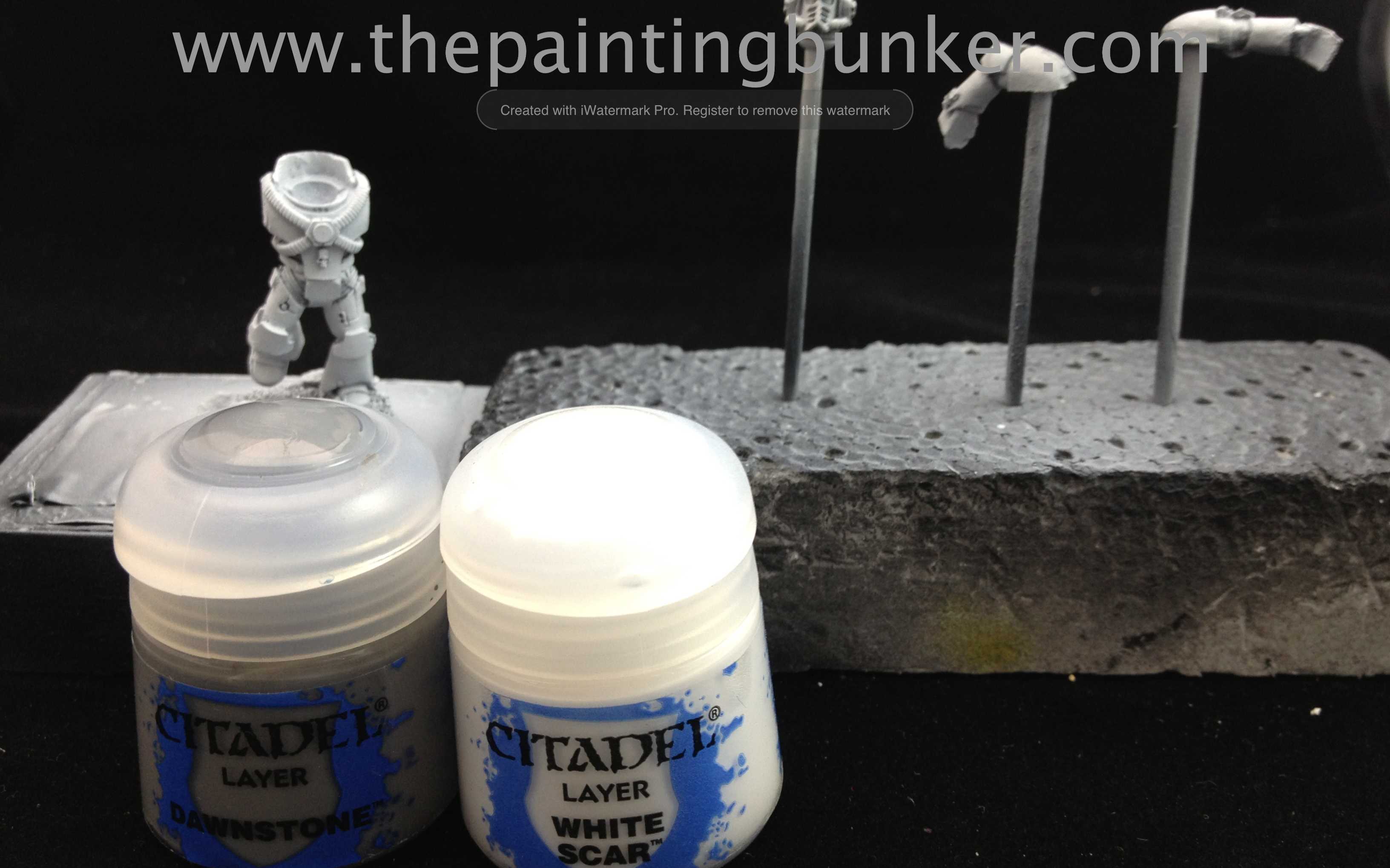
The first marine is given his black undercoat a base coat of Citadel Dawnstone.  I didn’t go over board with coverage, as I want the black to remain in recesses etc to add to the  pre-shading of the white when it eventually goes over the top.  How to paint World Eater Space Marines 6

As per the stage above except with Citadel Baneblade Brown.How to paint World Eater Space Marines 7

The first coat of white.  I created a mix of 90% Citadel White Scar and 10% Citadel Dawnstone.  This stage you want to make sure that you apply the colour with a “top down” notion in mind.  Remember that most of the time the source or light (the sun) is above the marine, so we expect to see shadows in areas where shadows would normally be created in natural light.  So lightly dust this mixture on ensuring that you keep the model pointing up as you are painting it.  Don’t go over the top either, just like the Dawnstone, you want to make sure that the coverage isn’t complete, you want some Dawnstone, and if you’ve done the job right, some of the black to still be showing through.

Once that was done, I gave the model a very light coat of just straight White Scar to make the raised areas really pop.  You need to be very delicate with the paint application at this stage otherwise you run the risk of making the white too bright and ruining the effect you were trying to achieve by using the black and grey undercoat.
How to paint World Eater Space Marines 8

As above except with Citadel Baneblade brown.How to paint World Eater Space Marines 9

I then added chipping with a small sponge, painted in the detail and gave the models a coat of gloss varnish in preparation for oil washes.  How to paint World Eater Space Marines 10

I really like this picture for many reasons.  Mainly because it clearly demonstrates the distinct difference between the brown and grey undercoat.  I deliberately chose to use brown and black oil paint respectively on each model to further accentuate the undercoat colour coming through the white and thus further emphasise the two “looks” I was going for.  I actually think the one on the right would be a great base for a Death Guard….

Once i’d finished painting the bases, finishing up the detail etc, I gave each part a good coat of matt varnish, assembled each marine, hit it with some weathering powders and then gave it another hit with matt varnish.  Below are the pictures of the finished models.

OLYMPUS DIGITAL CAMERA

OLYMPUS DIGITAL CAMERA

OLYMPUS DIGITAL CAMERA

I’m really please with the results and very really anxious to get started on the army proper now.  I’ve decided to go with the grey undercoat after all that as I think it give a more authentic white and is in line with how I’d imagine the XII Legion to look.

What are your thoughts?

Thanks for dropping in, comments as always are very welcome.

John Sutton, Brisbane, Qld

Necrons

Posted: March 10, 2013 in Necrons
Tags: , , ,

There, I said it!

I’ve been wanting do to some painting recently of anything other than Imperium, which I focus on quite heavily… as you can see from the extensive Imperial armies I’ve collected…  So yesterday while I was in my local GW store picking up something for my upcomming 30k World Eaters I grabbed a box of Necron Warriors and thought I’d give them a hit.

I’ve long wanted to paint some Necrons having seen some really interesting looking armies painted up over the years that really capture the idea of “undead” robot warriors in 40k.  Although I don’t play, and don’t ever intend on playing Warhammer Fantasy battle, if I ever did it would have been Undead (or whatever they call them now)  I just like the idea of reanimated skelletons coming for you.  It must be the impression that Jason and the Argonauts (1963 version with the superb stop animation of Ray Harryhausen) or the Evil Dead series of movies left on me when I was much younger.

Whatever the case, I got my undead robot warrior fix and painted this bad boy this morning.  It may be a test mini for a new army, or it might be me just getting something off my chest.  Whatever it is, hope you enjoy it.

Necron Warrior

Necron Warrior 2

Necron Warrior 3

Necron Warrior 4


I have to admit, I’m quite pleased with how the Necron Warrior has turned out.  I really wanted to capture the ancient feel of background the to this army, however I didn’t want to over do it either, especially in the “glowing” department.  I’ve got some good ideas for some of the Necron vehicles too, so who knows maybe we’ll see some more of these in the future.  I actually painted two Necron Warriors however I only photographed this one because well, after you’ve seen one Necron Warrior, you’ve seen them all.  The two didn’t take that long to paint either, it took me a little under 2hrs for the two of them but this didn’t included assembly.

Comments?

Thanks for dropping in, until next time

John


phew!

It’s finally done, a 6 x 4 playing surface to wage eternal war on.  After almost three months of painting and building and some more painting I’ve completed six of the Forge World Realm of Battle Cityscape boards.  The last board of the six I needed to paint was a Primus Sector.  Although I still have one more Primus Sector and one more Shattered Plaza to go, I’m claiming this victory because now I can have a legitimate game of 40k on these boards.

I have to confess, I’m getting sick of painting scenery.  So in a way I’m glad that I’ve reached this mile stone right at the point where my threshold for making more scenery is about at its limit.  I’m now ready to take a short break and then begin working on my 30k World Eaters.

So lets talk Primus Sector for a minute, then we’ll have a look at it and then take a look at some photos of it and the completed board.  So the Primus Sector board is an unusual board in that its only one building.  Yes I know the Shattered Plaza is to, but it takes up most of the board, however the Primus Sector is just a lot of roads and then one large foundation more or less in the middle of the board piece.  The other unusual feature is that again, unlike all the other boards the foundation isn’t a square or rectangle.

I really want to for this piece take that feature into account, so you’ll see from the pictures that the building doesn’t have any right angles in the walls.  I also wanted to have proper roof line for this pieces too.  Unlike all the other buildings that have a roof/floor as a means of finishing off the building, I wanted this one to have a proper roof.  I think I may have been influenced by the old Forge World Anphelion Base (which is no longer available) when I made this.  I must admit it has been something I’ve been thinking about ever since a friend of mine revealed to me he has one, unpainted, basically unassembled and complete that he’s perhaps wanting me to paint…

I digress… So lets look at some pictures.  I took these this morning in a bit of a rush because it was about to start raining (where I live has had over half its yearly rain fall in the past two months) and I wasn’t sure when I’d get an opportunity next to take some photos, so the compositions aren’t red hot, but you’ll get the drift.

forge world realm of battle cityscape primus sector 1

Forge World Realm of Battle Cityscape Primus Sector 2

Forge World Realm of Battle Cityscape Primus Sector 3

Forge World Realm of Battle Cityscape Primus Sector 4

Forge World Realm of Battle Cityscape Primus Sector 5

Forge World Realm of Battle Cityscape Primus Sector 6

Forge World Realm of Battle Cityscape Primus Sector 7

Forge World Realm of Battle Cityscape Primus Sector 8

Forge World Realm of Battle Cityscape Primus Sector 9

I do intend on completing the last two boards however I’m not sure when the next update will be on this project.  I more or less see it now as being finished.  So thank you for taking this journey with me.  It’s been a pleasure having your company, words of encouragement and suggestions, I’ve had a really good time making this board, much more than I thought actually.  It’s been one of the most rewarding things hobby wise I’ve ever done.  I never thought I’d do scenery, but I can see now that it will enhance mine, and my opponents enjoyment of the game so much more by having an interesting, stimulating and challenging battle-space to play on.   Sadly its often an aspect of our hobby that is overlooked or marginalised and it’s my fervent hope that I’ve inspired one or two of you out there to step up and make some scenery that is on par with some of the magnificent armies I see both locally and on the interwebs.

I’d especially like make mention to Aaron over at Forlorn Hope who’s suggestions, ideas, constructive criticism and just general radness has been extremely helpful and inspiring during this project.  Cheers mate.

Speaking of Aaron, he and I will be shortly commencing the Death of Isstvan III Campaign described in the Forge World Horus Heresy Book one : Betrayal.  If anyone who lives locally and would like to participate with either a Traitor or Loyalist force message me.  The plan is to bring you battle reports of the six main Battle Missions, Blood Feud, Fire Tide, Shatter Strike, Onslaught, Dominion & Extermination and also the four Legendary Battles, Cometh The Red Angel, The Flight of Truth, Counter Thrust and The Death of Gods and Angels.  This is going to be EPIC and I can not wait to start getting enough (Loyalist) World Eaters together so the games can commence.

Apart from that, I plan on just having a few games of 40k on this board now its complete and I’m looking forward to seeing what its like to play on.

So… who wants a game?

John Sutton, Brisbane, Qld

Today is a good day.  I finished off the fifth Realm of Battle board of the eight that I started a little over two months ago.  This board has thus far been by far the most challenging I’ve completed.  Both technically and creatively.  I remember at one point thinking I’ve arrived at the place where my vision and my technical ability no longer over lap.  I kept going though, determined to push myself and see what I started through.  I’m glad I did preserver too  because the final piece is my most pleasing to date.

I also have to point out that I’ve been doing some work on my photography skills and had some tutoring from my friend and fellow Blogger Troy on using Photoshop.  I went and downloaded photoshop and this morning Troy spend several hours with me showing me some basic techniques to improve the quality of the pictures that I post on my blog.  You’ll notice that they look different, although not perfectly the way I’d like them its a new direction for me and I intend on working on this skill and honing it moving forward.  Go and have a look at Troy’s blog too, its still model building just a different genre to ours.  I am working on him though you’ll all be happy to hear.  Thanks again for your help on this Troy and being so generous with your time.

So lets get down to business,  I’ll put up some pictures and leave a few remarks under each one and walk you through what went on.  Also, take a good look at the working photos to see what I meant.  It may not look like much, but a lot of work went into these pieces and I think I jagged bits of it too.

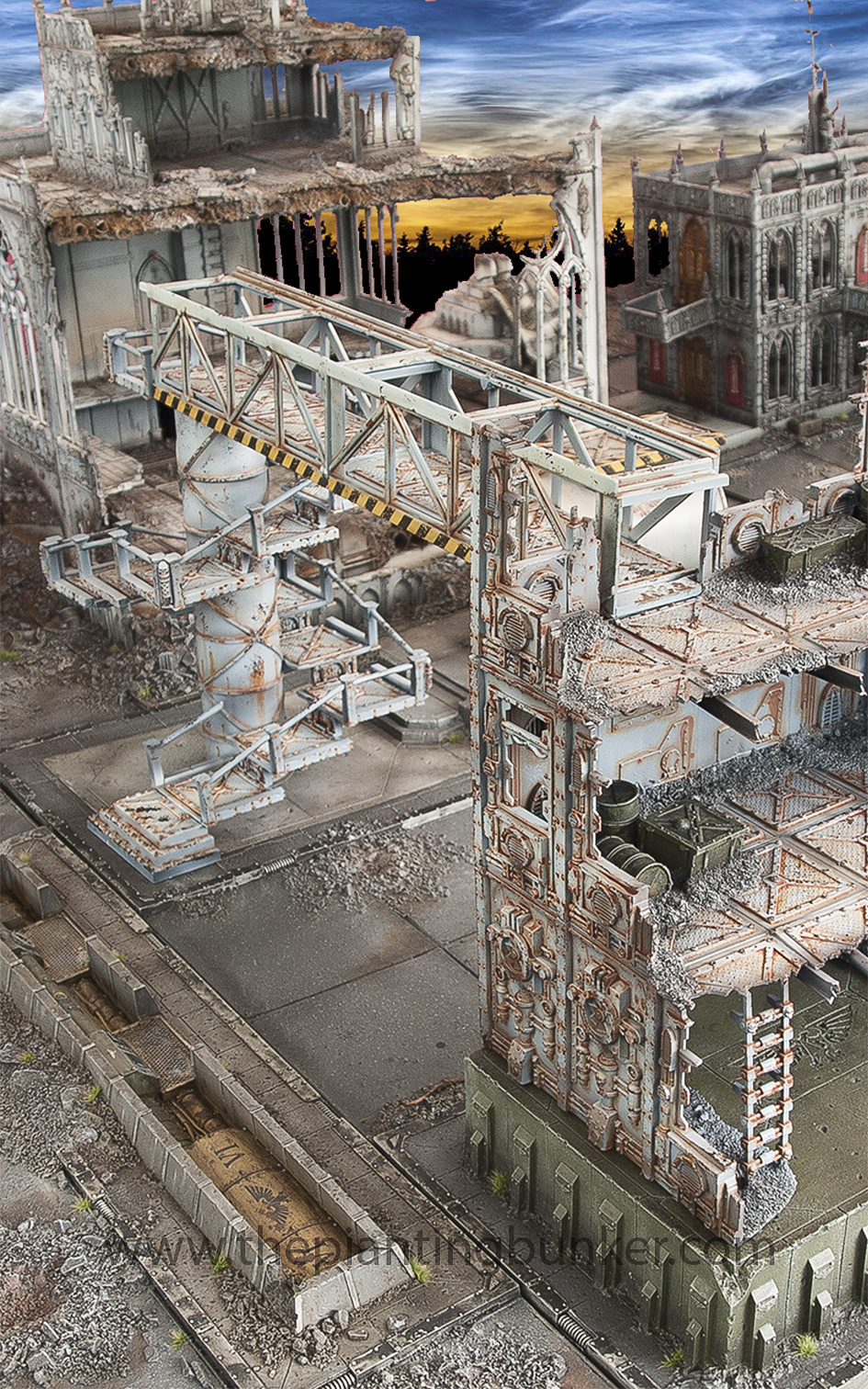
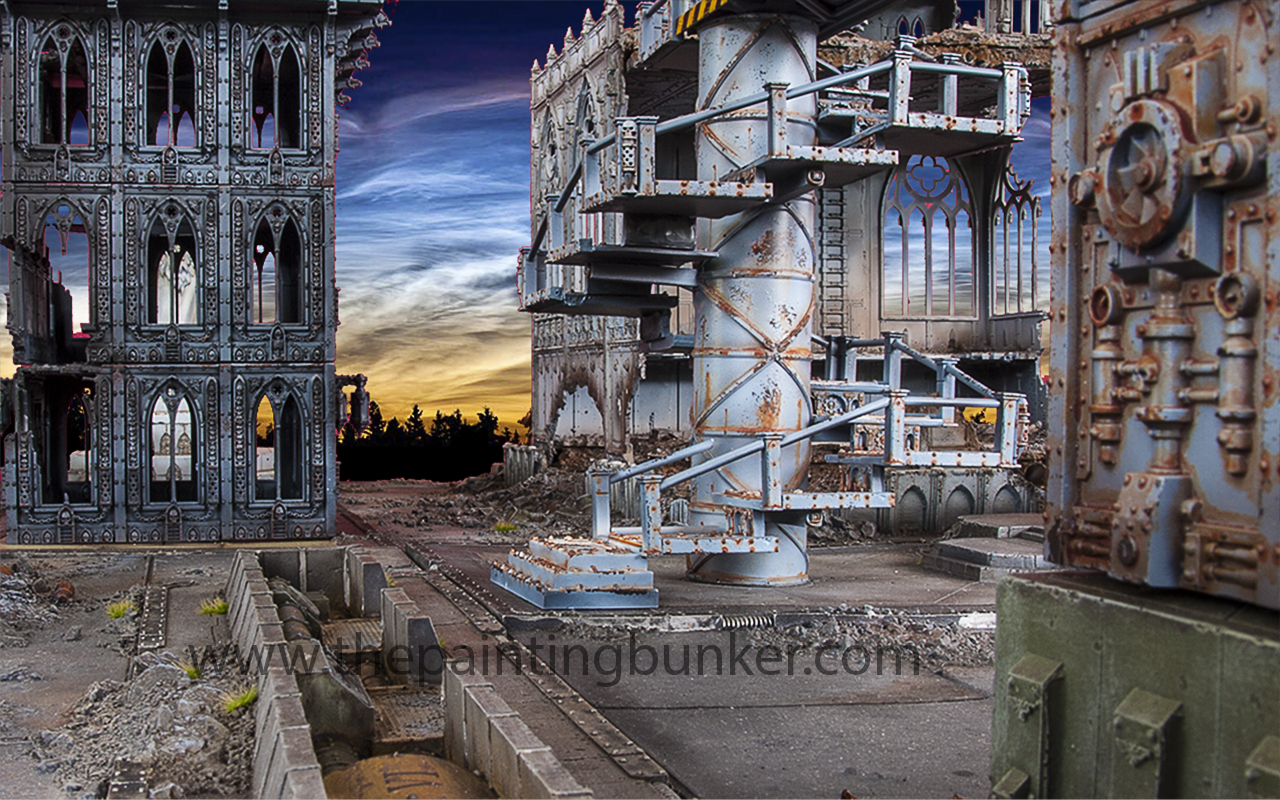
forge-world-realm-of-battle-cityscape-generatorum-sector-1The overpass of doom and spiral stair case of despair…  As some of you will remember one of the first boards I did was of a giant crane that I purchased for $35!!! (can you believe it!) from Toys’r us.  Well, when I built that crane I had two of the centre sections left and I always planned on using them on one of the other boards.  With the last board of the industrial precinct about to commence I thought it would make sense to use it somewhere on it, and seeing as it looked a bit like a walk way, I thought it would be interesting having it spanning over the large double lane road that runs through the centre of this board.  I knew one of the ends of the walk way would run into a building, however I had to really put my thinking cap on to work out where the other end would go.

One of the first technical challenges I had to overcome was the heights.  One end that went into a building was more or less governed how high it was going to be, in this case, on the second story of a three story building.  What made it difficult though was the foundation that the building was resting on, it was just a random height, and the other side was at street level.  So the building on the other side, even if it was a GW plastic kit, would not match up height wise and the walk way would be un-level.

forge-world-realm-of-battle-cityscape-generatorum-sector-2

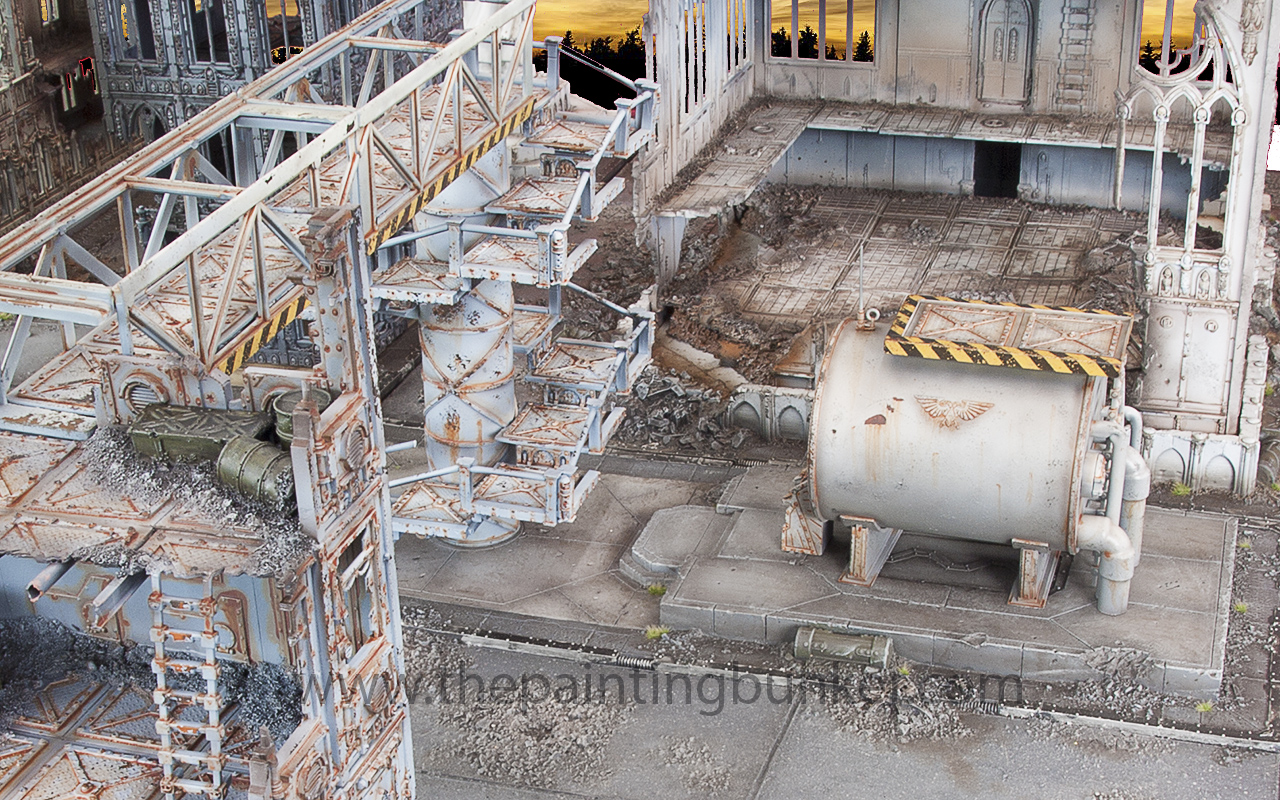
Enter the spiral stare case of despair.  Wow did this test me.  You can see in the working photos whats gone into it.  It was a real challenge.  But I have to say, it was an enjoyable one, at no time did I ever feel like throwing it against the wall and jumping on it.

Which is new for me.

The whole way I just would come up to another technical challenge and work out the solution…  I did do a fair few sketches too of this piece before I assembled it, I knew the height I needed it to be, then it was a case of just doing some math and a bit of straight forward planning and then following that plan.  However it was still challenging, and even with all my planning I wasn’t sure if it was going to go together when I finished it.  forge-world-realm-of-battle-cityscape-generatorum-sector-3


The final piece is the storage tank.  I really like this piece most of it is actually scratch built too.  It was great fun making it and looks awesome, remember when in doubt modelling add an Imperial Eagle, when in doubt painting add hazard stripes.  forge-world-realm-of-battle-cityscape-generatorum-sector-4

forge-world-realm-of-battle-cityscape-generatorum-sector-5

Love this shotforge-world-realm-of-battle-cityscape-generatorum-sector-6

forge-world-realm-of-battle-cityscape-generatorum-sector-7


So there you go.  I really hope you like the pieces and the new style of photos I’ve put up.  I’d be interested in hearing your comments too if you feel the urge to share your thoughts.

Until next time

John

So, four down now, four to go!  Half way mark, and oh boy am I feeling it…  It’s been a big job thus far.  This is the last of the two Concourse Sectors that I brought way back on 12 December 2012… It’s a little bit shocking for me to think that about two months ago these bad boys rocked up on my door step.  It’s been a bit of an obsession for me over the summer.

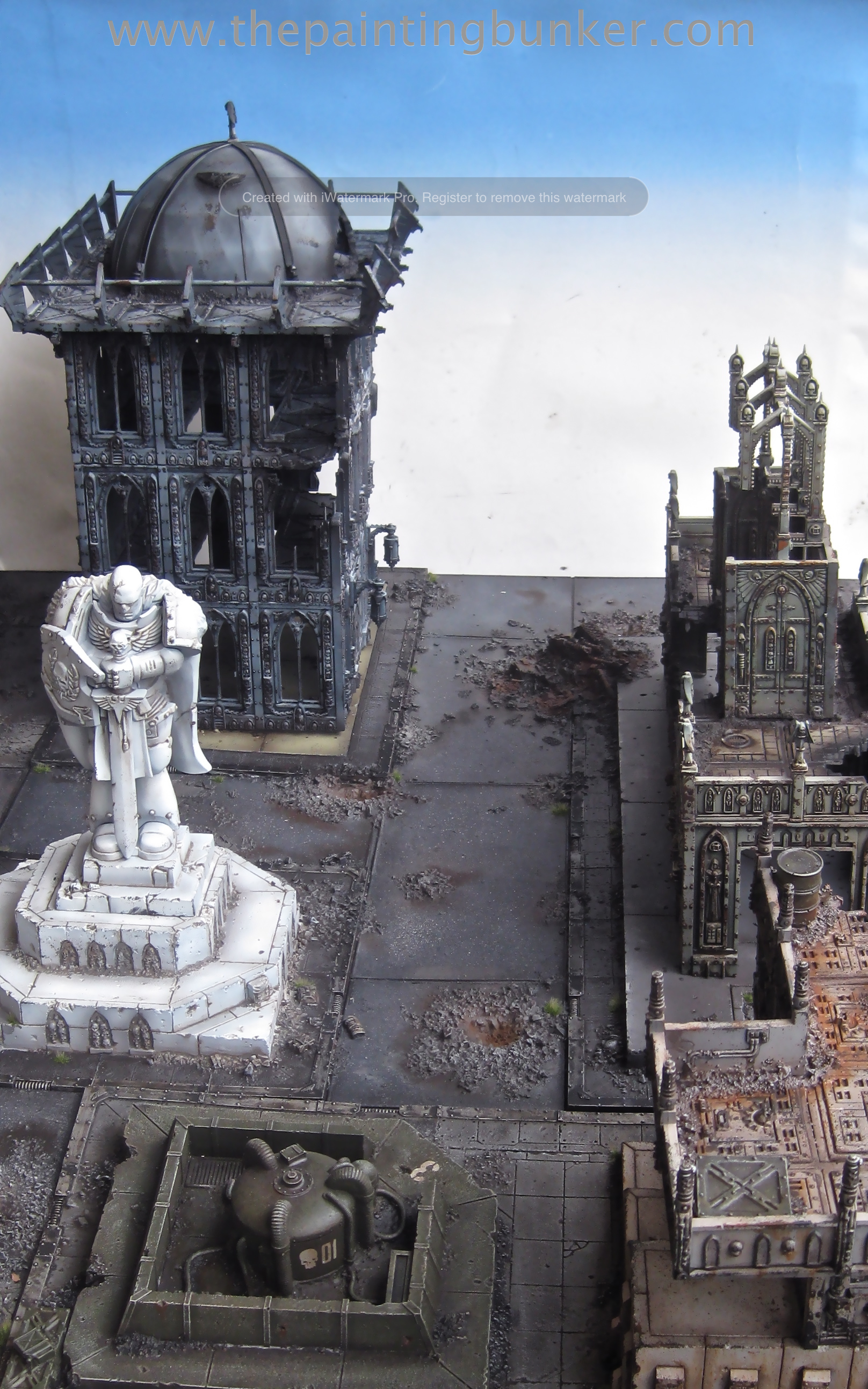
So far the boards that I’ve completed I’ve been very happy with, and this one is no exception.  This one is meant to be a Chaplaincy and some form of accommodation for the attendants of the Cathedral.  So I’ll let the pictures do the talking and make a few comments on each of the pictures to guide you through what I was thinking at the time, and as usual you can get more of an idea about the process from flicking through the working photos gallery at the bottom of this post.

Forge World Realm of Battle Cityscape Concourse Sector 1

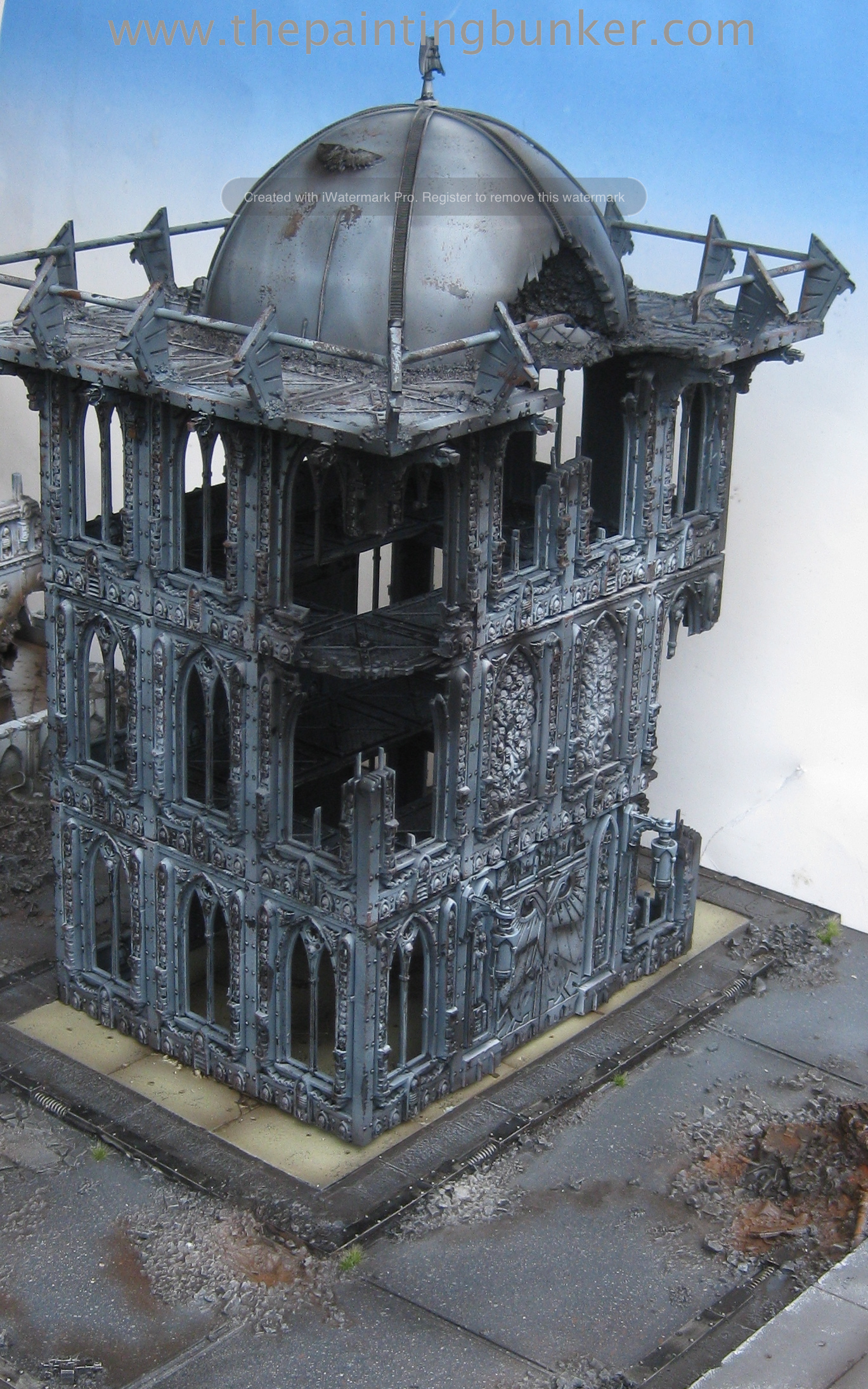
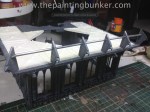
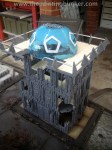
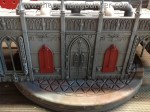
I really wanted the larger of the two buildings, the accommodation block, to have a very distinctive feature so I went back through a few photos of cathedrals etc and found that certain types of places of worship have domes on top, so I thought it’d look cool.  I also made the roof line overhand the building facade, sort of like an eve.  I did this to help break up the shape of the building (a rectangle) and to allow the addition of the buttresses (pic below)  I didn’t want the roof to have a barrier on it, like all the other buildings featured, however I did feel it needed something, so I added a small hand rail with the eagle heads as the posts.  I think it makes an interesting look and I’m very happy with how it turned out.  For those that are interested the dome is a toy soccer ball.  I chose it because it was 1.  The right size, 2.  It had and interesting diamond pattern over its surface as opposed to being just smooth, and 3. It didn’t have any other features embossed on it, like a manufactures mark, random shapes or whatever.

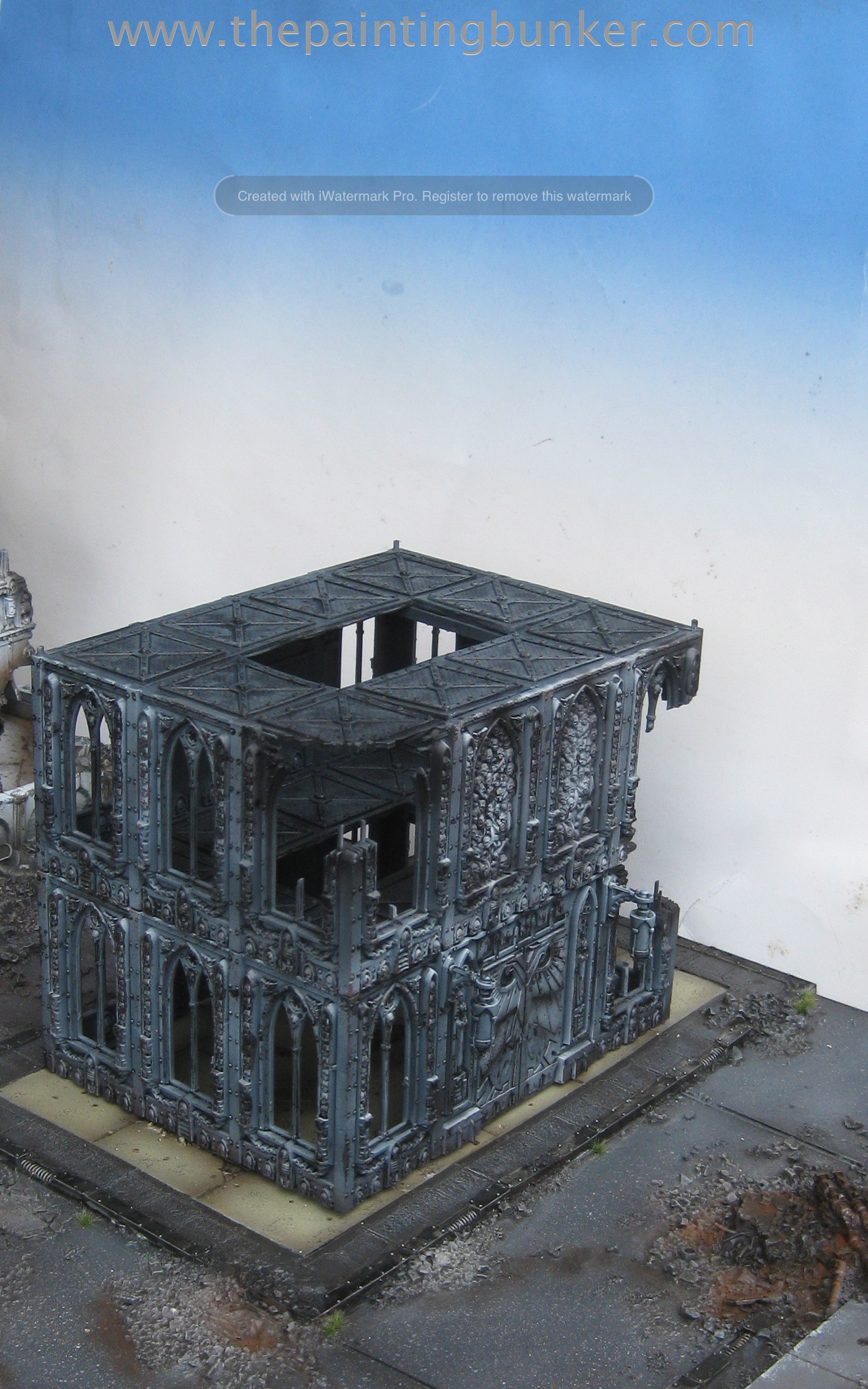
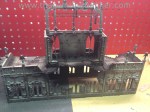
You can see what it looked like before I painted it in the working photos gallery at the bottom.  I’ve still got the other half, so perhaps It’ll feature in some other piece of scenery on anther board (yes, I’m already planning another board when I finished with this one….)
Forge World Realm of Battle Cityscape Concourse Sector 5
Forge World Realm of Battle Cityscape Concourse Sector 4

Forge World Realm of Battle Cityscape Concourse Sector 3

Forge World Realm of Battle Cityscape Concourse Sector 2

Forge World Realm of Battle Cityscape Concourse Sector 6

Forge World Realm of Battle Cityscape Concourse Sector 7

As with other multi story buildings I’ve made, this one is also broken up into its various floors to make gaming with it easier…. If you look closely you can see small posts.  These are in each corner and key into the upper floor to make the building more stable when assembled.  Forge World Realm of Battle Cityscape Concourse Sector 8

Forge World Realm of Battle Cityscape Concourse Sector 9

One thing that I am really pleased with so far, but sadly you can not see, is the way the boards and buildings interrelate to one another.  The boards when all put together really are starting to look like a small city block, the different heights of the buildings, the features which distinguish them, the story they tell and the “conversations” they have with one another through the narrative I’m trying to create all enhance the effect and produce a result that is greater than the sum of its parts.

With just two more boards to do to give me a 6′ x 4′ playing surface so that a proper game can be played on them, I’m starting to get very excited and can now see the light at the end of the tunnel.  I have to admit though, I am now starting to want to paint some actual minis, however I’m just going to have to wait until I get the last few boards done.  I anticipate the pace of my updates is going to somewhat slow down come next week as my studies commence and it’ll be nose to the grind stone.  But we’ll see what happens.

Thats if for now, thanks for dropping in

John

Hey everyone,

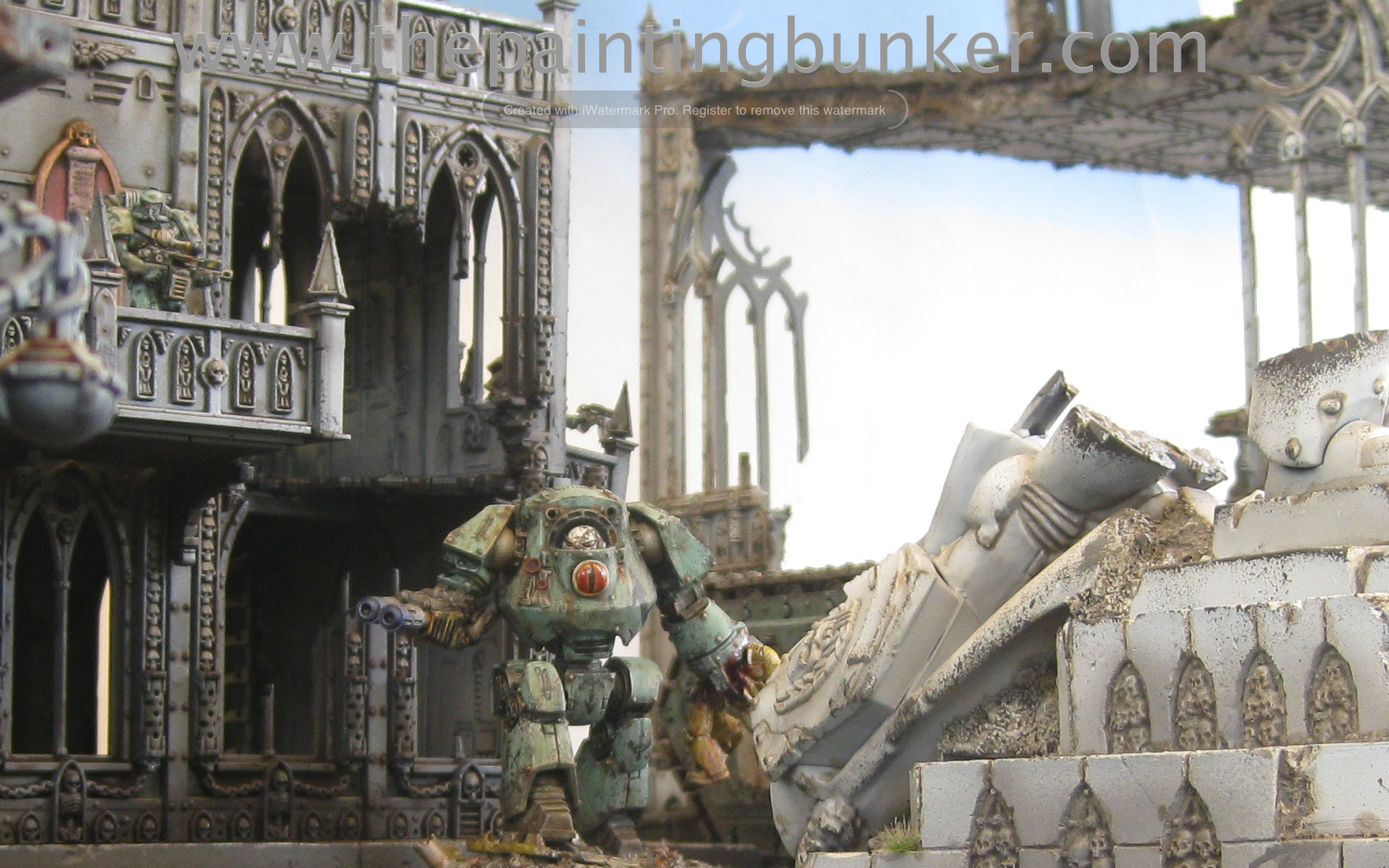
Heres something to get you very excited.  My good friend, fellow blogger and painter extraordinaire who’s models have featured on the front page of Games Workshops blog found their way to The Painting Bunker today and we couldn’t help ourselves so we staged a few shots for your viewing pleasure.  I think you’ll agree with me in that these pictures look amazing.

We are actually planning on fighting the campaign from the Betrayal when I get these boards finished and have painted my World Eaters, so this is just a taste of things to come.

Behold!

Sons of Horus on Cityscape 1 Sons of Horus on Cityscape 2 Sons of Horus on Cityscape 3 Sons of Horus on Cityscape 4 Sons of Horus on Cityscape 5Hope you enjoy!

Cheers

John

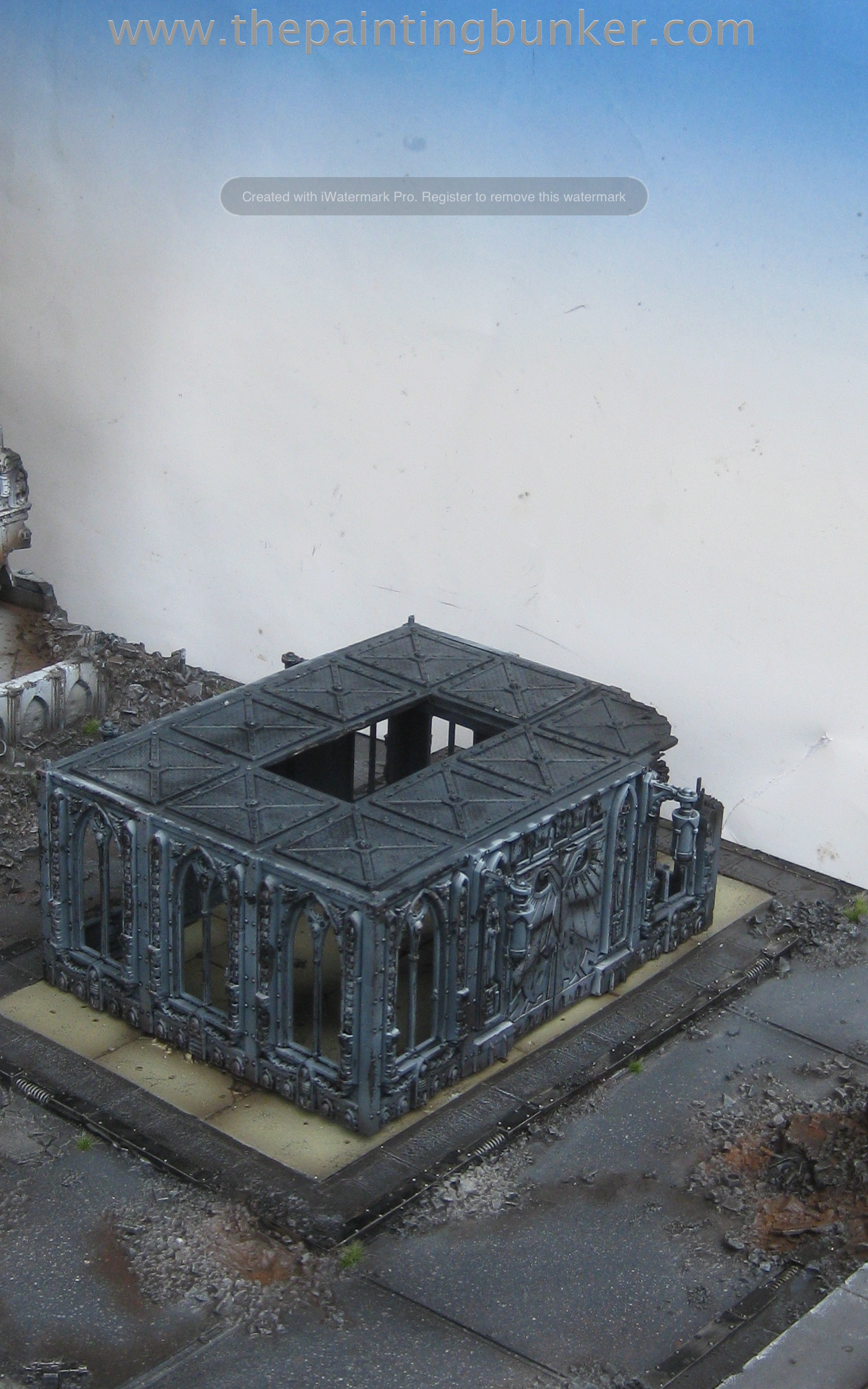
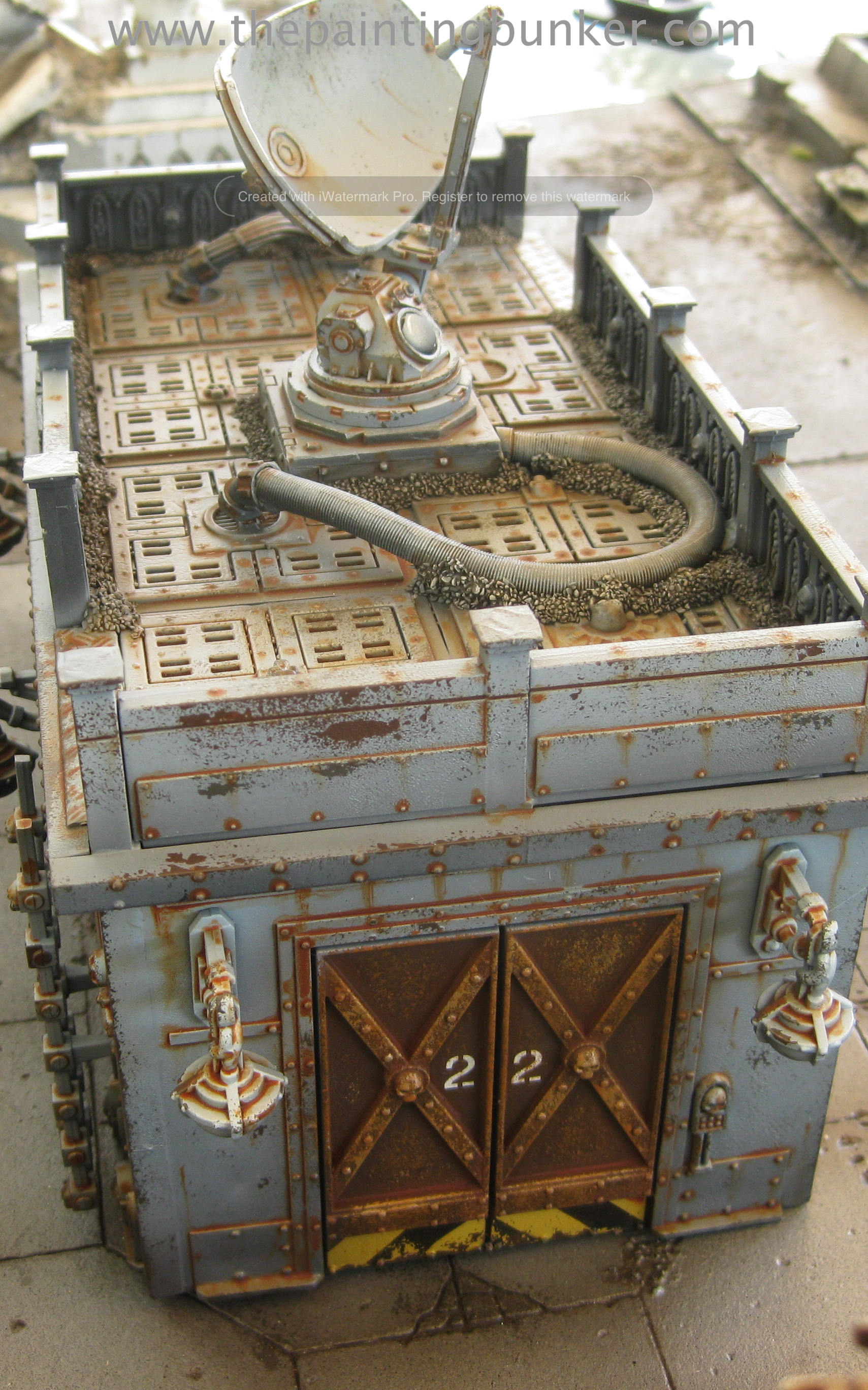
Well, after getting back on my brief holiday over the weekend I got home with renewed vigour and enthusiasm to get my hobby on… and that I have.  Sometimes taking a break and total abstinence from hobby is the best thing to renew your interest.  So its now 3 down, 7 to go for the Realm of Battle boards.  Today I bring you the finished Forge World Realm of Battle Cityscape Concourse Sector.  As I’ve mentioned before I want these boards to tell a little story, not just be a disparate bunch of boards with buildings on them.   These two boards (I’ve got two if you remember) I see as the administration centres for the Shattered Cathedral.

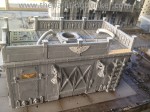
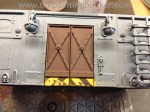
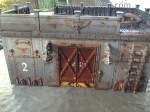
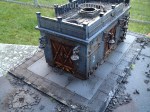
This first one being the actual administration centre and a records storage depot or perhaps entrance to an underground archive…   With this building though I wanted it to be a line of sight blocker.  No windows, no damage or anything, just something that will clearly block LoS for 90% of the units that are used in 40k.

So enough with the yackaty yack, lets get to the pictures.

Forge World Realm of Battle Cityscape Concourse Sector 1

Another possible use for the smaller of the two buildings is use it in a scenario where its an objective and at the end of the game the controlling player gets some sort of deployment or initiative advantage in a game that features Zone Mortalis… nice.  Perhaps another purpose is that its an Adeptus Arbites (and friendly local Inquisitor) squad house, the Cathedral precincts local police station.

Forge World Realm of Battle Cityscape Concourse Sector 2

Forge World Realm of Battle Cityscape Concourse Sector 3Forge World Realm of Battle Cityscape Concourse Sector 4

Forge World Realm of Battle Cityscape Concourse Sector 5

Forge World Realm of Battle Cityscape Concourse Sector 6

Forge World Realm of Battle Cityscape Concourse Sector 7

Forge World Realm of Battle Cityscape Concourse Sector 8

Forge World Realm of Battle Cityscape Concourse Sector 9

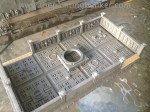
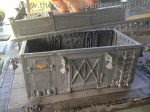
I made the second floor of the Administration Building and roof of the Archive detachable to make using them in a game easier.  As usual (now) below is a gallery of all the work in progress shots of this build that I take along the way.  Feel free to have a snoop around to see how I do business.

Thanks for dropping in, I’m really looking forward to the next finished post I’ll be brining you.  Its the second Concourse Sector and it features a Chaplaincy and Chaplaincy Accommodation….  I’m really excited about it, it looks amazing and its not even painted yet!

Ok,  thats it for me for now

John